Market signal
NOVA Polymarket operator note
Evergreen NOVA operator education for guarded Polymarket BTC signal execution.
View market source →A Polymarket BTC trading bot should not be judged by whether it can place an order. That is the easy part. The serious question is whether it knows when not to place one.
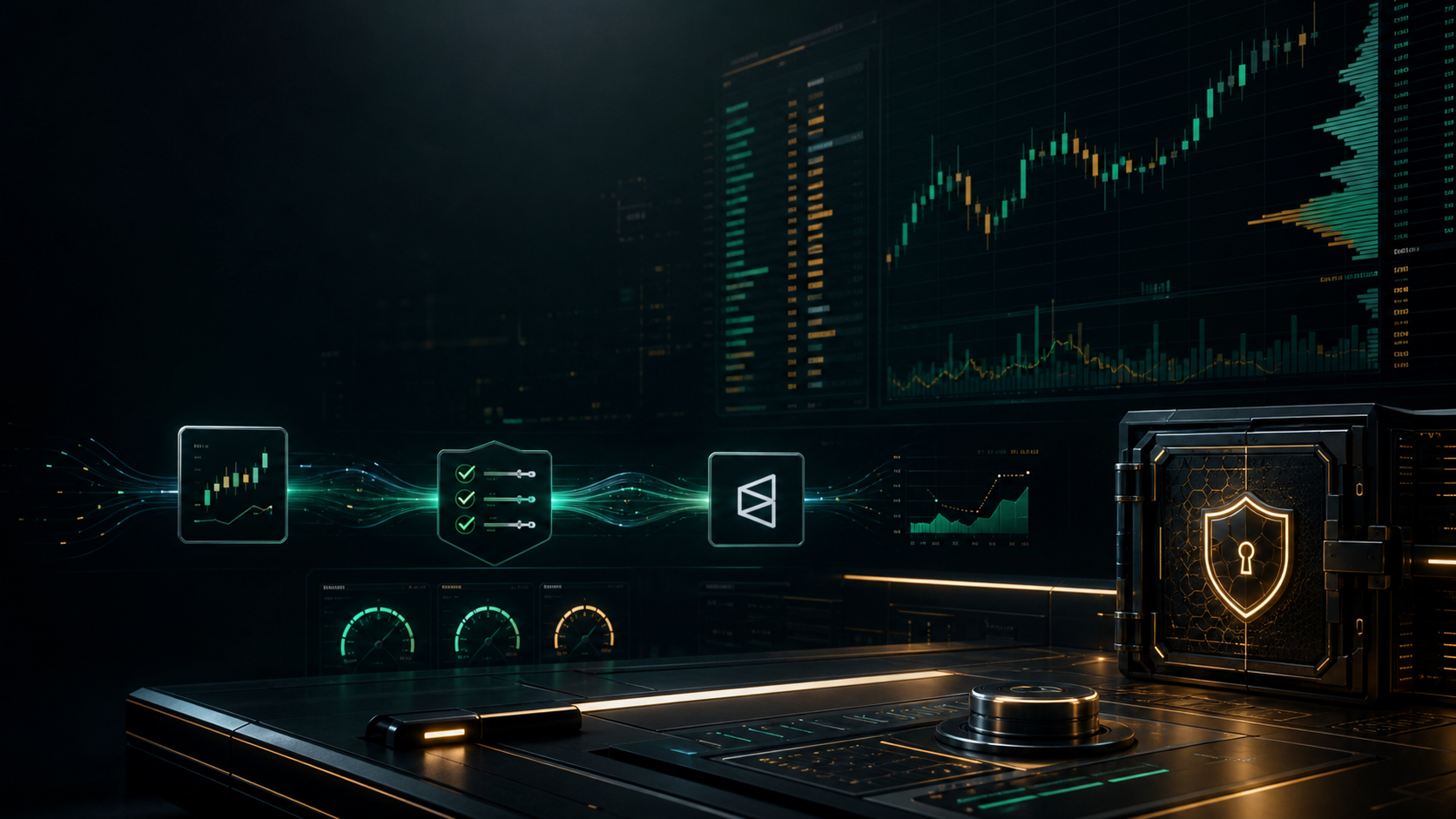
NOVA treats BTC automation as a staged setup. The signal can start on TradingView. The market may live on Polymarket. The decision still needs a guardrail layer between those two systems. That layer checks timing, market mapping, credentials, size, and risk before live orders are allowed.
This checklist is for operators comparing bots, scripts, alerts, and managed setup. It is not a promise of returns. It is a way to decide whether a BTC automation setup is mature enough to review in live conditions.
Start with the trading path
Write down the path before judging the bot.
For a NOVA-style setup, the path is:
- BTC signal appears on TradingView.
- Alert or webhook sends the signal event.
- The execution layer maps the signal to a specific Polymarket BTC market.
- The system chooses the intended side and size.
- No-submit mode previews the action.
- The operator reviews the preview and risk cap.
- Live mode is enabled only after the setup passes.
If a product skips straight from signal to order, the operator has less room to catch mistakes. That can feel fast, but fast is not the same as controlled.
Use no-submit mode before live mode
No-submit mode means the system can inspect the setup without placing a real order. It should show the action that would have happened.
A useful no-submit preview should include:
- The Polymarket market title or slug.
- The window start and expiration time.
- The intended side.
- The intended order size.
- The approved risk cap.
- The signal timestamp.
- The market lookup timestamp.
- The reason the system would submit or skip.
This matters because BTC short-window markets are easy to mis-map. A bot can see a real signal and still point at the wrong market window. A preview catches that while the cost is still zero.
No-submit mode also reduces emotional pressure. When a market is moving, the operator can feel pushed to approve quickly. A preview creates a record that can be reviewed without the countdown forcing a live decision.
Confirm the TradingView handoff
TradingView access is not the same as execution approval. A private TradingView script can show a signal, but the downstream system still needs context.
Check these handoff details:
- Is the TradingView username correct?
- Is the alert attached to the right symbol and timeframe?
- Does the alert message include the signal direction and timestamp?
- Does the webhook destination receive the event once, not repeatedly?
- Does the system reject stale alerts?
For BTC 15-minute windows, delay matters. A signal that arrives too late can turn a clean setup into a bad fill. The bot should log delay instead of pretending delay is zero.
The handoff should also reject duplicate alerts. A repeated webhook can create repeated intended actions if the execution layer does not de-duplicate by signal id, timestamp, or market window. The safe default is one reviewed action per signal-window pair.
Set the risk cap first
Risk caps should be boring. They define the maximum exposure the operator accepts before the next decision.
The cap should be set before live mode, not after the first uncomfortable result. A bot that asks for more size because it is confident is doing the wrong job. Confidence is not a control.
For a first review, a smaller cap is better. The point is to prove that the system respects the boundary, handles skips, and logs behavior. Bigger size can wait until the setup earns it.
The cap should apply before the order is built. It should not be a dashboard number that gets checked after the fact. If the requested size exceeds the cap, the no-submit result should show a skip or a capped-size decision, depending on the approved policy.
Keep credentials scoped
A Polymarket bot should not ask for a wallet seed phrase. It should not ask for a main wallet key in chat. It should not need broad wallet control for a narrow execution setup.
The safer boundary is scoped venue access and a dedicated limited signing path for the approved task. The exact fields can change as Polymarket updates its API, but the principle is stable: use the narrowest credential that can support the operation.
NOVA's public online plan is TradingView script access. Managed automation, when approved, stays separate and goes through its own credential review. That separation is intentional.
This separation is also good SEO truth, not just good security. Someone looking for a "Polymarket BTC trading bot" may really need a staged path: chart signal first, alerts second, no-submit review third, and live execution only when the controls are understood.
Require skip reasons
Good automation skips often. That is not a flaw.
A bot should skip when:
- The signal is stale.
- The market mapping is unclear.
- The order would exceed the risk cap.
- The account or credential check fails.
- The market is too thin.
- The expected side cannot be confirmed.
- Required payment or setup status is missing.
Skip reasons are valuable because they make the system reviewable. "No trade" is not enough. The operator needs to know why the system stood down.
Skip reasons also protect the strategy from false blame. If a window wins but the system skipped because the signal was late, that is not automatically a bad skip. The rule did what it was supposed to do. The operator can review whether the rule should change later.
Log the boring details
Logs are where a bot becomes auditable.
For each reviewed BTC window, store:
- Signal time.
- Venue.
- Market slug.
- Intended side.
- Intended size.
- Risk cap.
- Preview result.
- Live decision.
- Submit result, if live.
- Reason for skip or failure.
Without these fields, it is hard to tell whether a later problem came from the signal, the market, the credential, the timing, or the execution layer.
For live mode, the log should add the venue response and any fill details. A no-fill, partial fill, rejected order, or price-cap miss should not be collapsed into a generic failure. Those outcomes mean different things for the next review.
Add evidence before adding scale
The best next step after a clean preview is not always larger size. Often, it is more evidence.
Run the setup through multiple windows. Review the logs. Confirm that skipped windows make sense. Confirm that no-submit output matches what the operator expected. If live mode is enabled later, start small and compare live behavior against the preview behavior.
Evidence should answer:
- Did the system select the same market a human expected?
- Did it skip stale or unclear windows?
- Did it respect the cap every time?
- Did it avoid duplicate actions?
- Did logs explain the outcome clearly?
If those answers are not available, scaling the bot only scales uncertainty.
Compare bots by controls, not hype
Many trading-bot pages lead with screenshots, backtests, or big return language. Those are not enough.
A useful comparison asks:
- Can I preview the action before it submits?
- Can I set a hard risk cap?
- Can I inspect the credential boundary?
- Can I see why the bot skipped?
- Can I separate alerts, no-submit review, and live execution?
- Can I cancel or pause without losing control of the account?
If the answer is unclear, keep the setup in alert-only mode.
Alert-only mode is not failure. It is a valid operating state while the operator learns whether the signal and workflow deserve more responsibility.
The NOVA takeaway
A Polymarket BTC trading bot should earn live orders. The practical path is simple: prove the TradingView handoff, prove market mapping, prove credential scope, prove no-submit previews, prove risk caps, and only then discuss live mode.
That is slower than a one-click promise. It is also the path that gives an operator a real chance to understand what the system is doing.